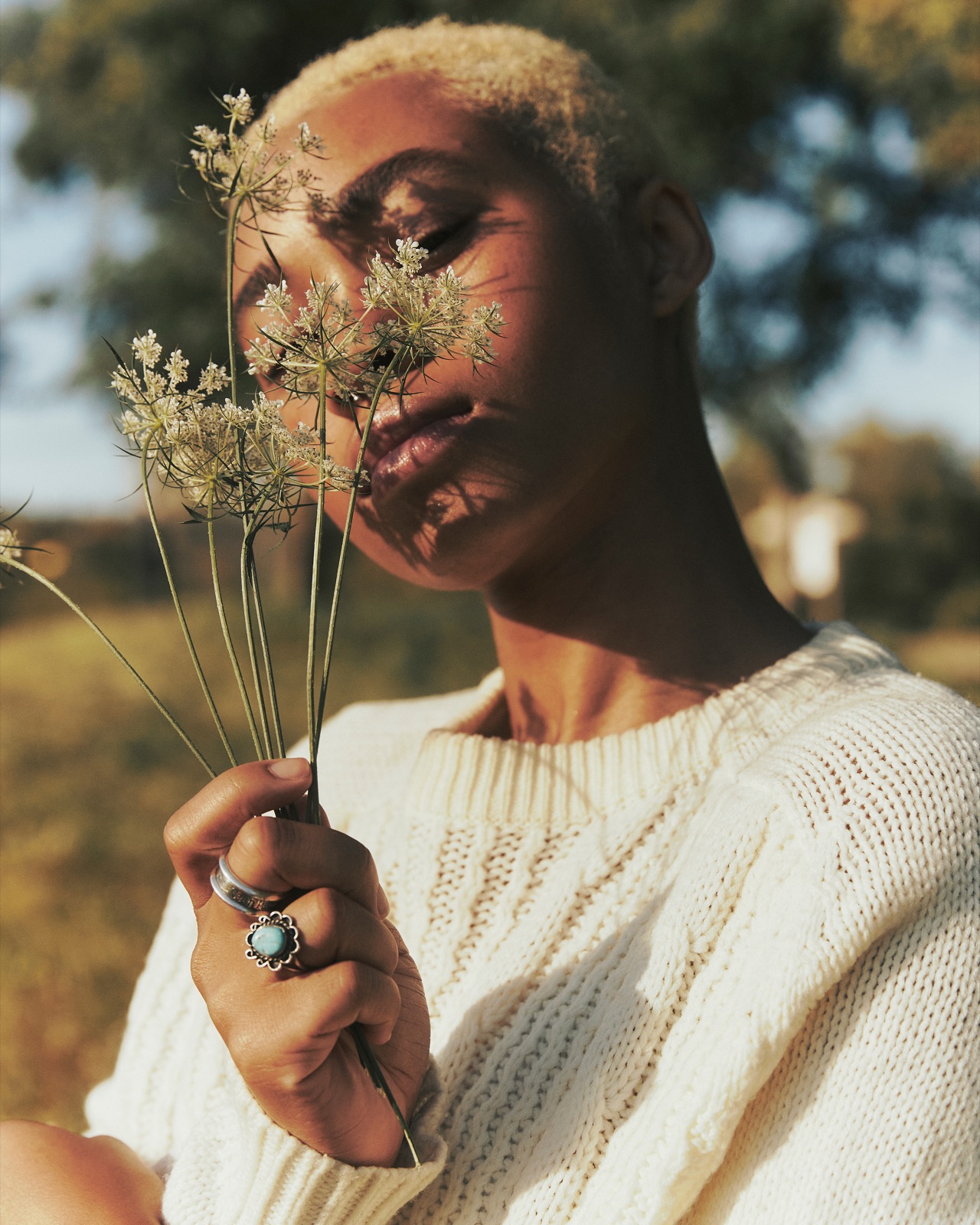
Rafa & Nicky
Design & build · Case study
Rafa & Nicky, an editorial photography duo
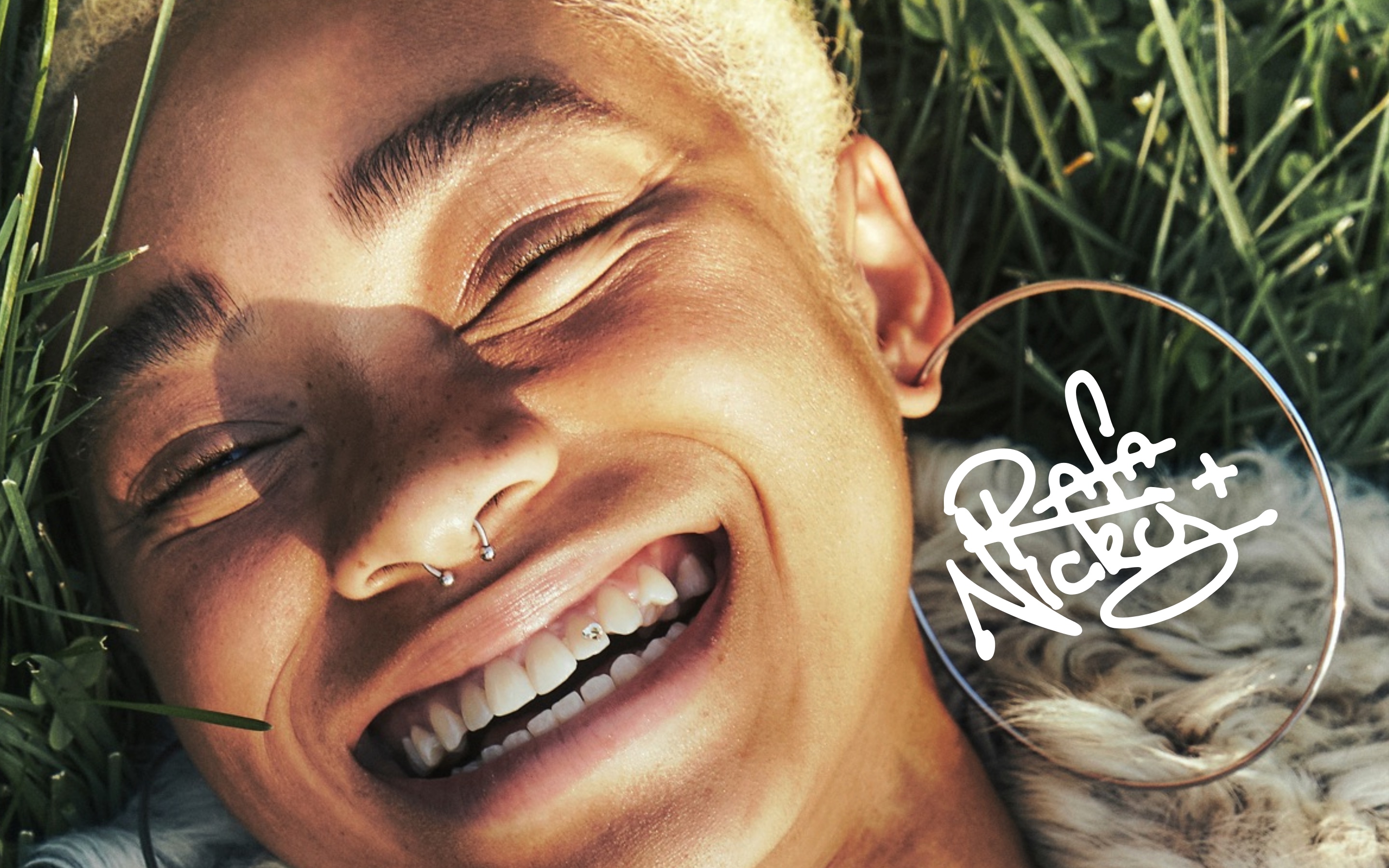
An image-first portfolio, built so two photographers can run it themselves.
01 The brief
Two photographers, a strong eye, and no infrastructure around it.
Rafa & Nicky needed a portfolio that reads like a magazine, not a template — one that could carry them from first commissions towards campaign work and hold its own beside photographers two tiers ahead. Lean budget, lean timeline. The ambition wasn't.
I designed and built all of it — research, brand, interface, motion, front-end — around one rule: get out of the photography's way.
- Client
- Rafa & Nicky — Rafaela Conde & Nicolas Emas Varone
- Role
- Solo: research, brand, art direction, UX, front-end
- Delivered
- Signature mark, design system, working site, documentation
- Stack
- Figma → HTML, CSS & JavaScript. No framework, no build step
- Status
- Working prototype, launch pending
- Published
- 06/10/26
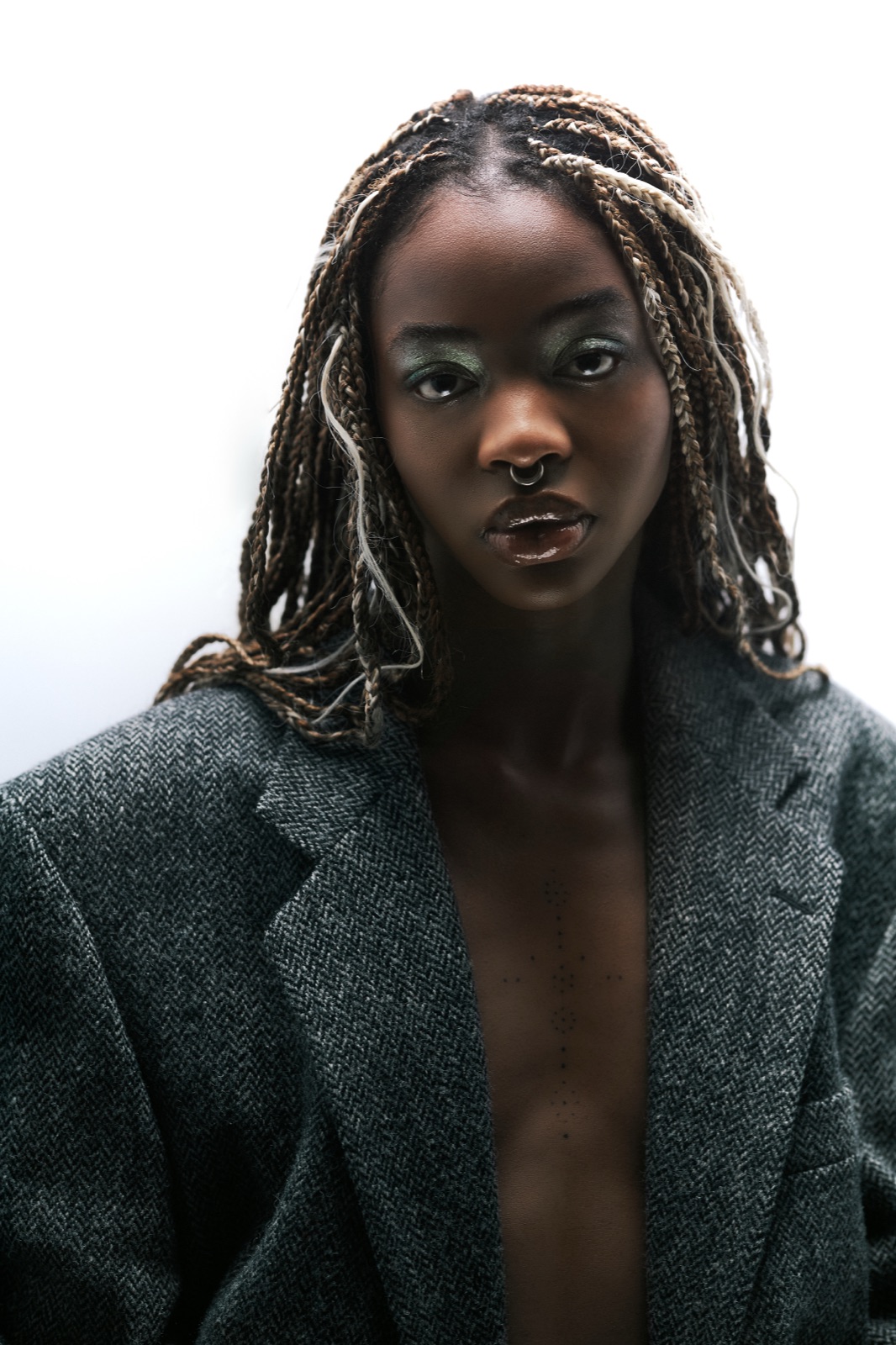
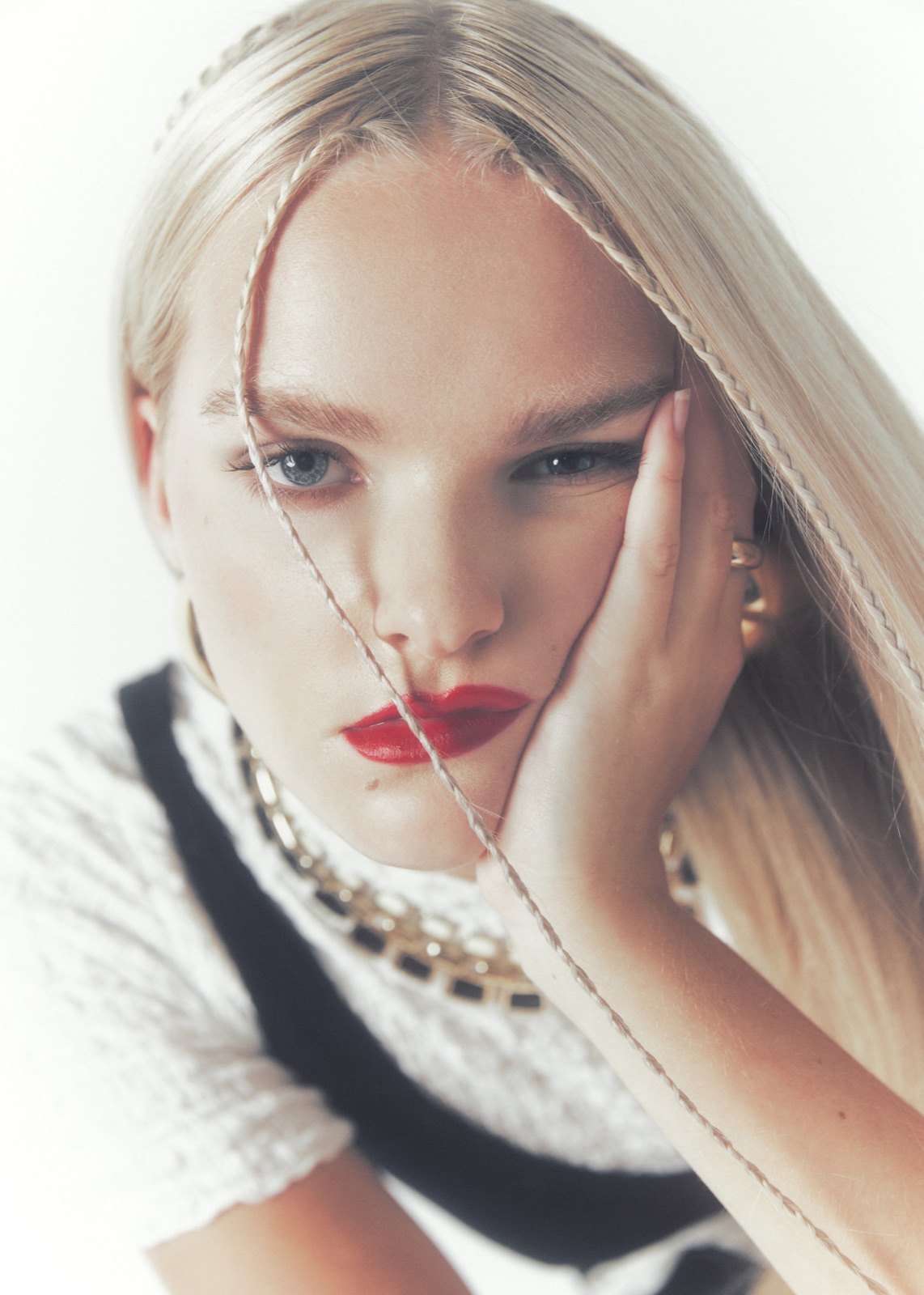
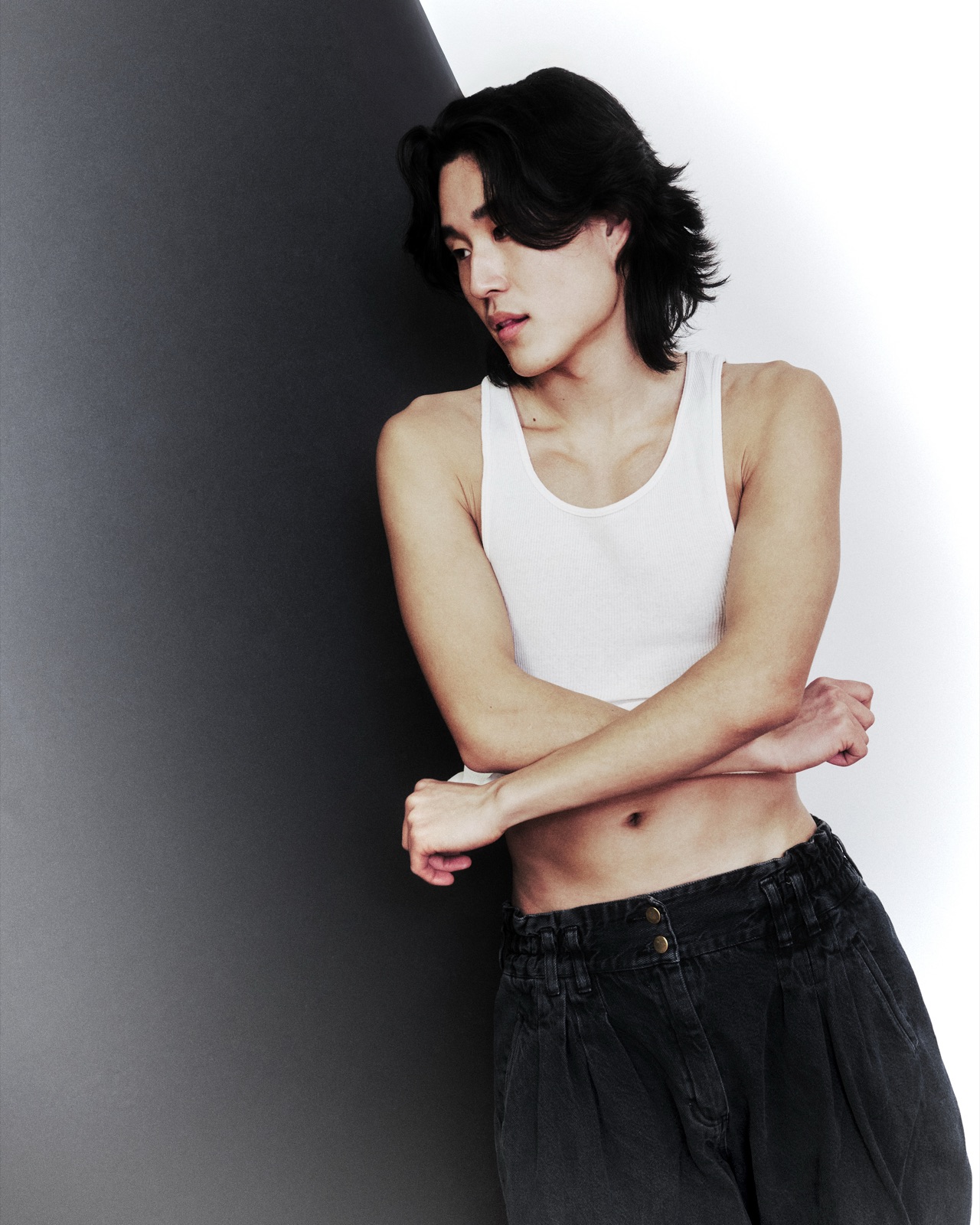
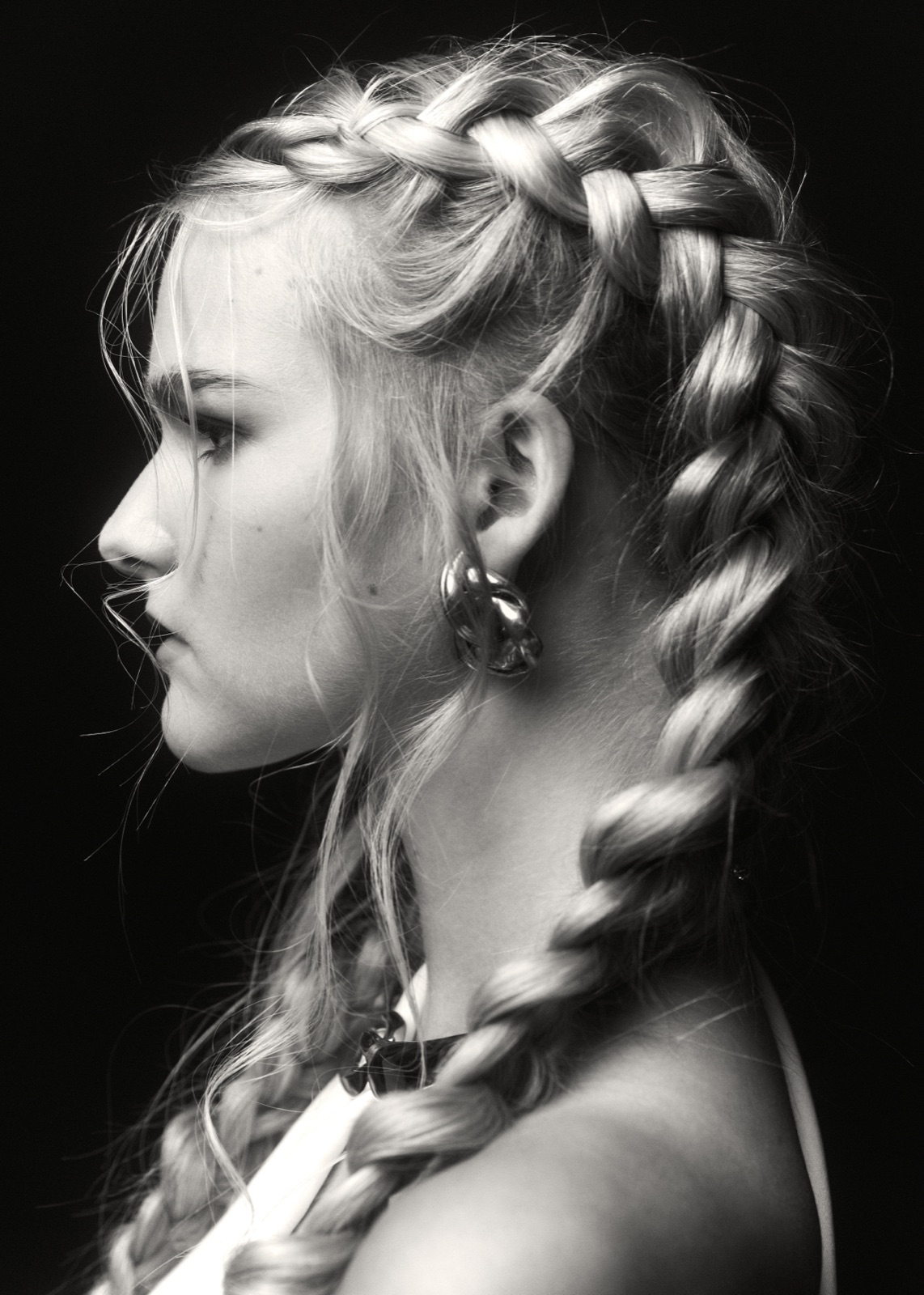
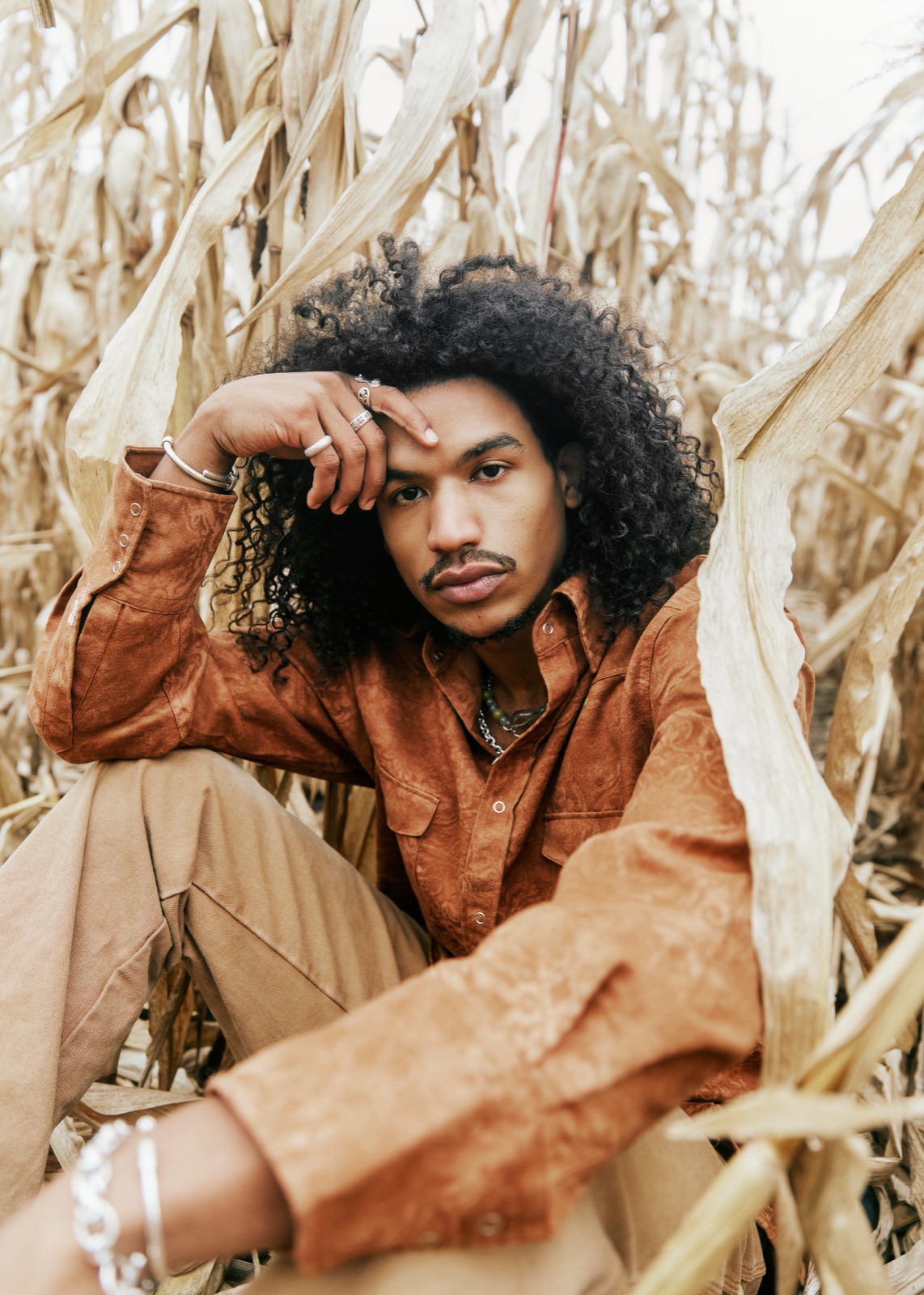
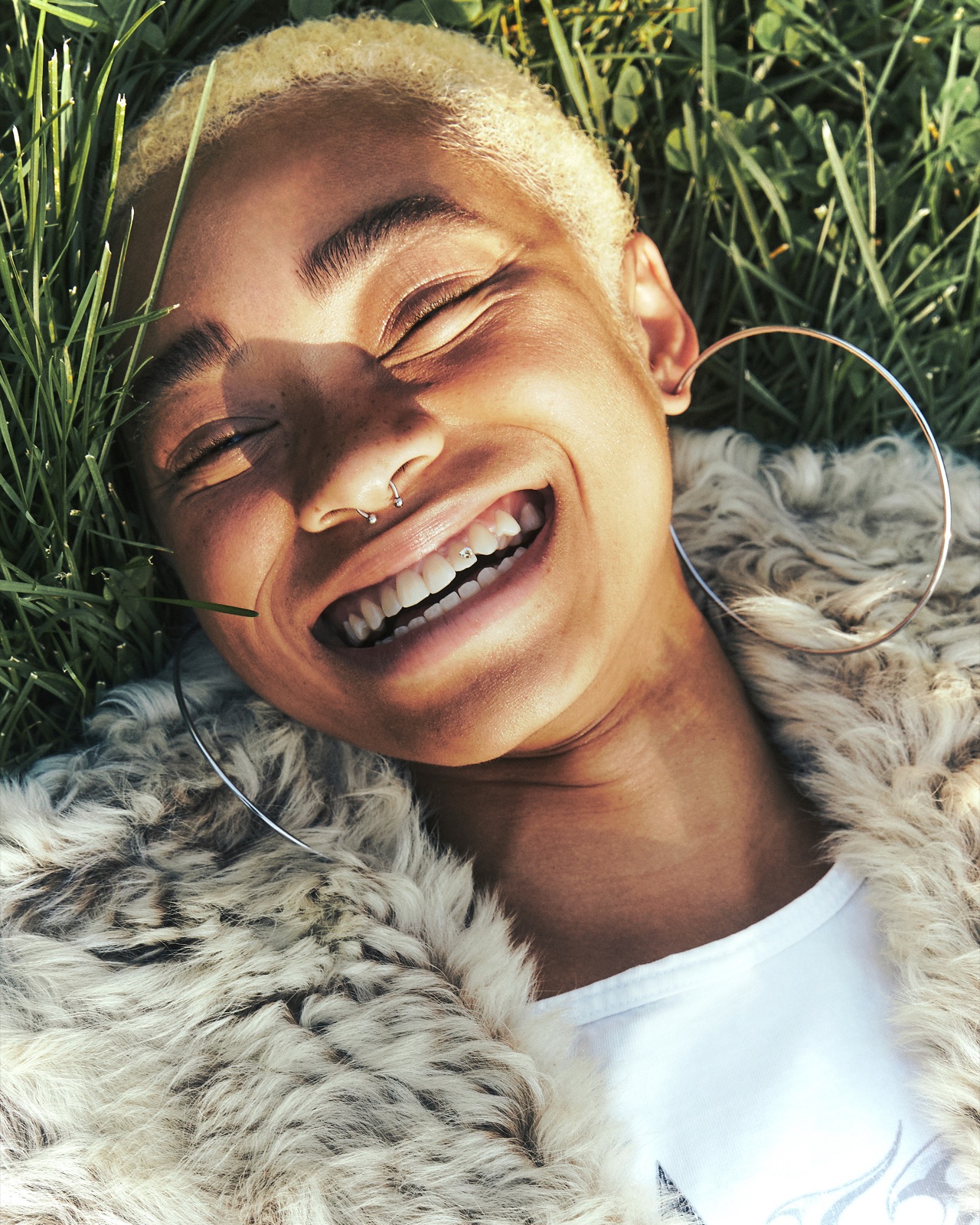
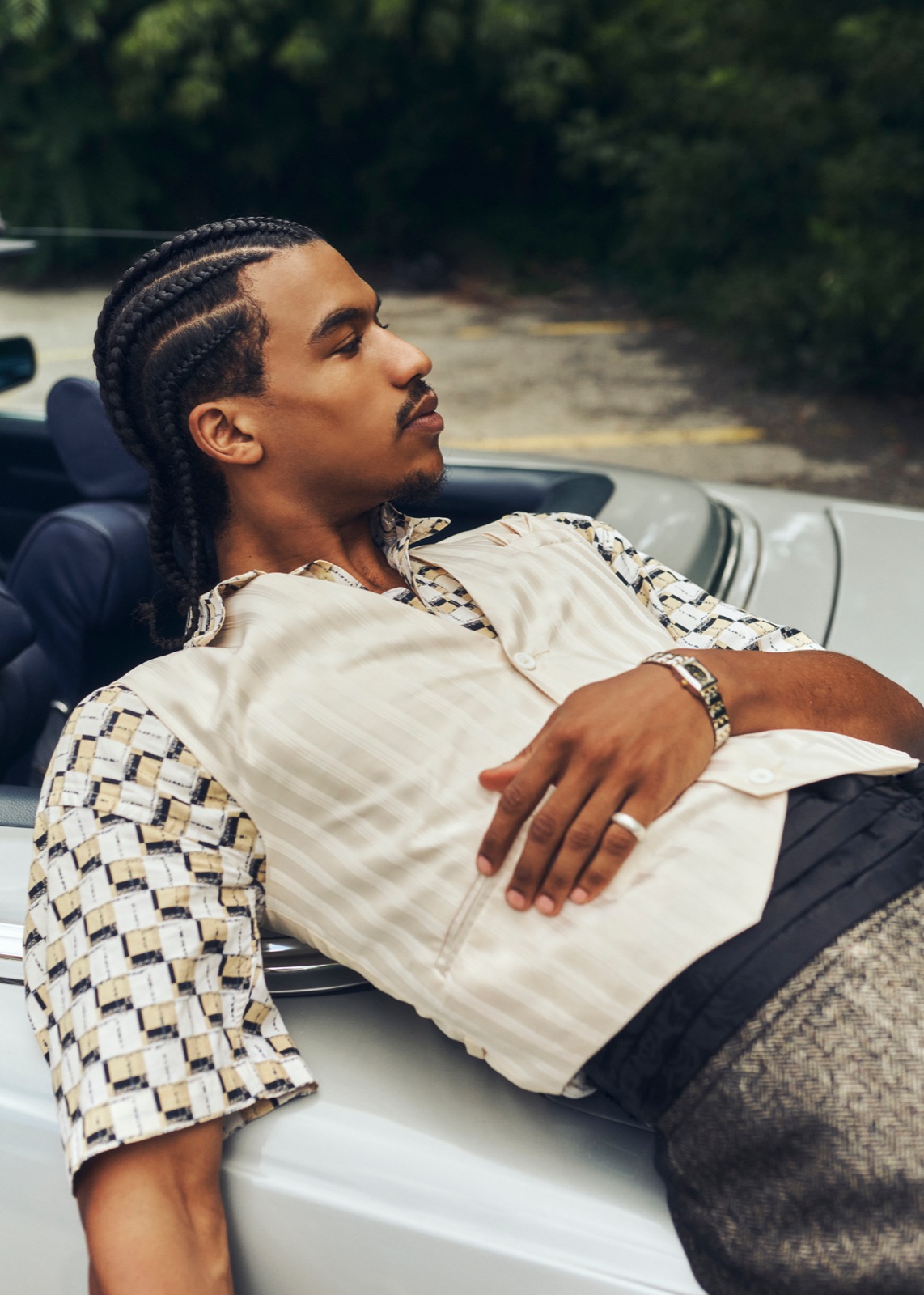
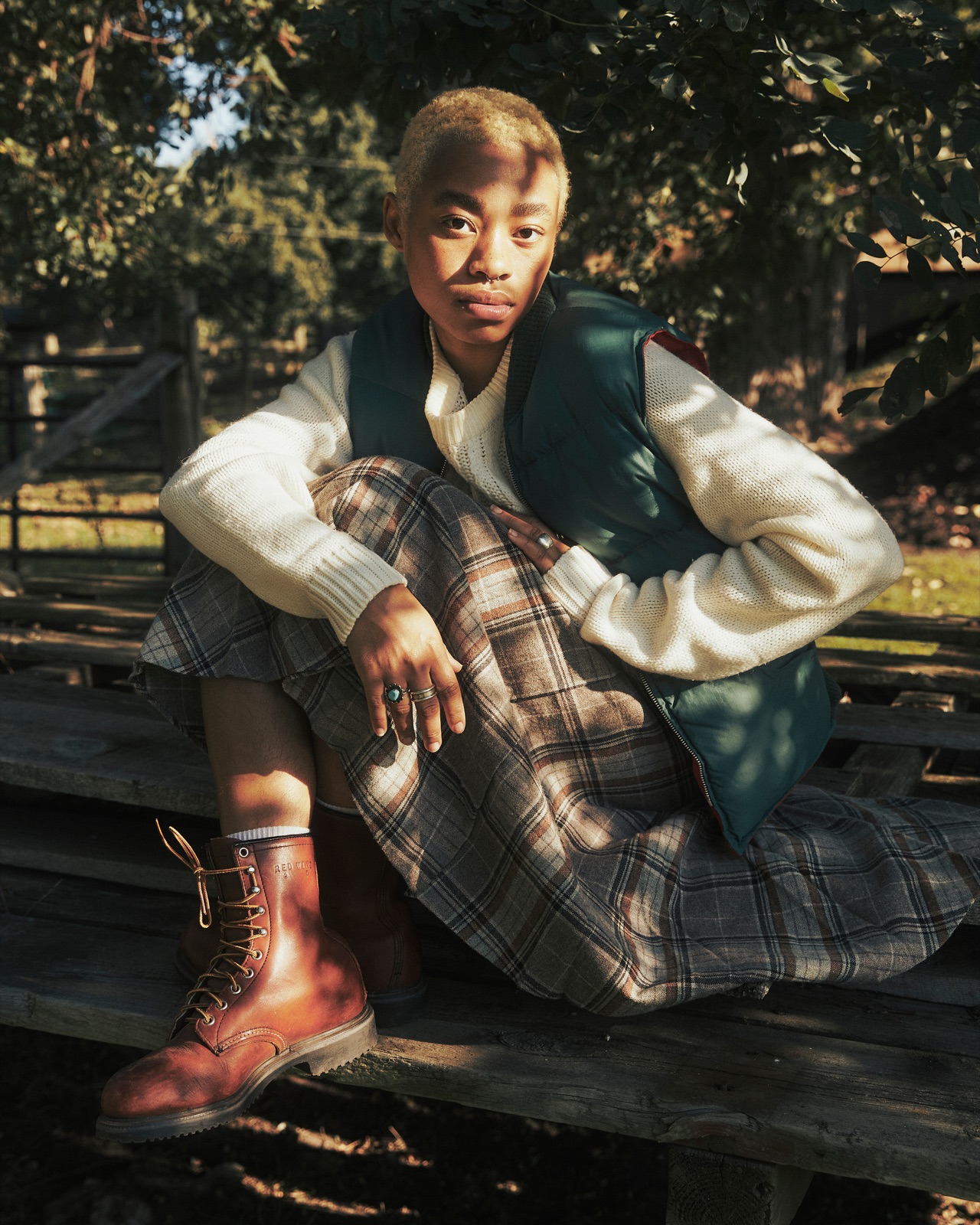
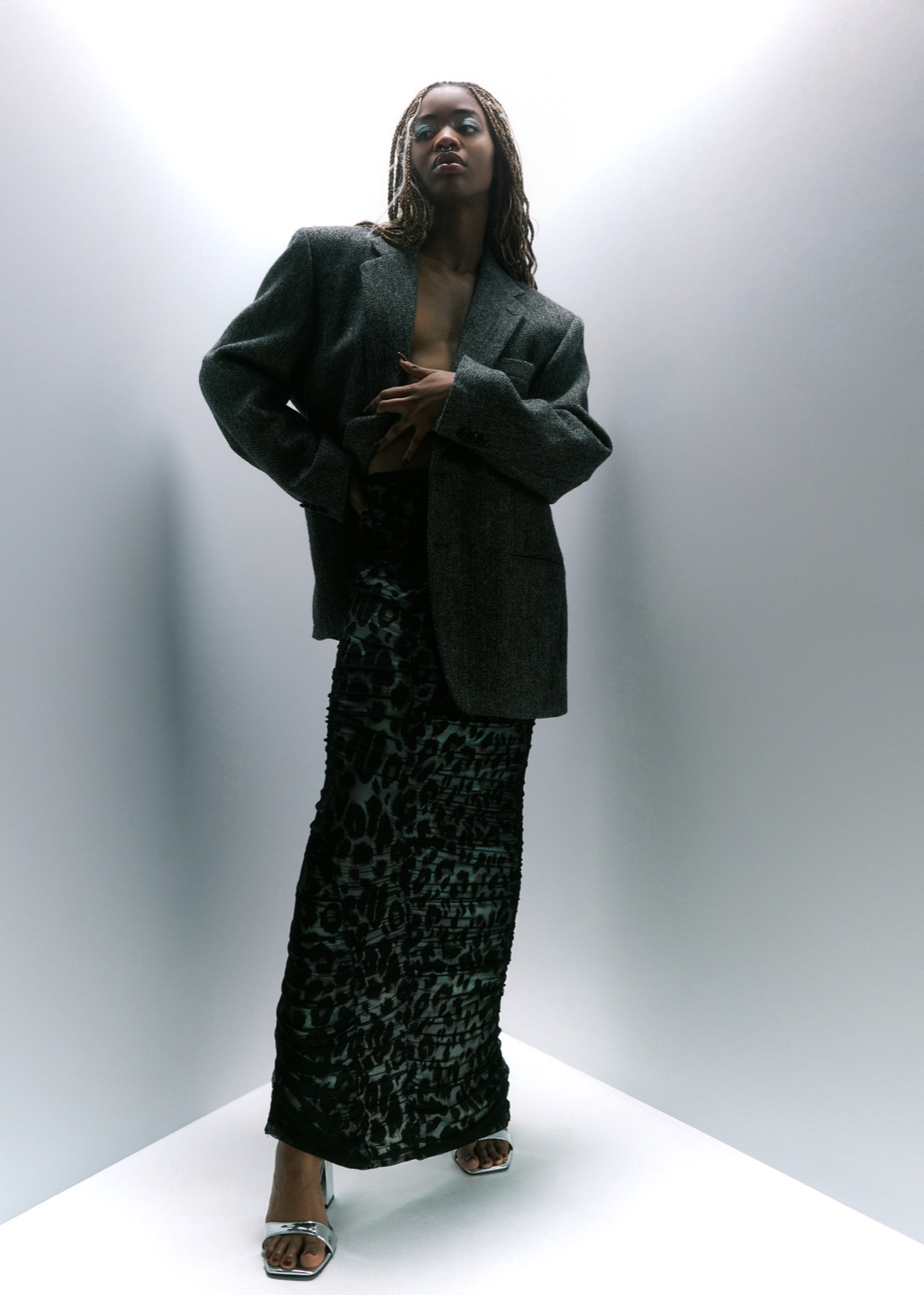
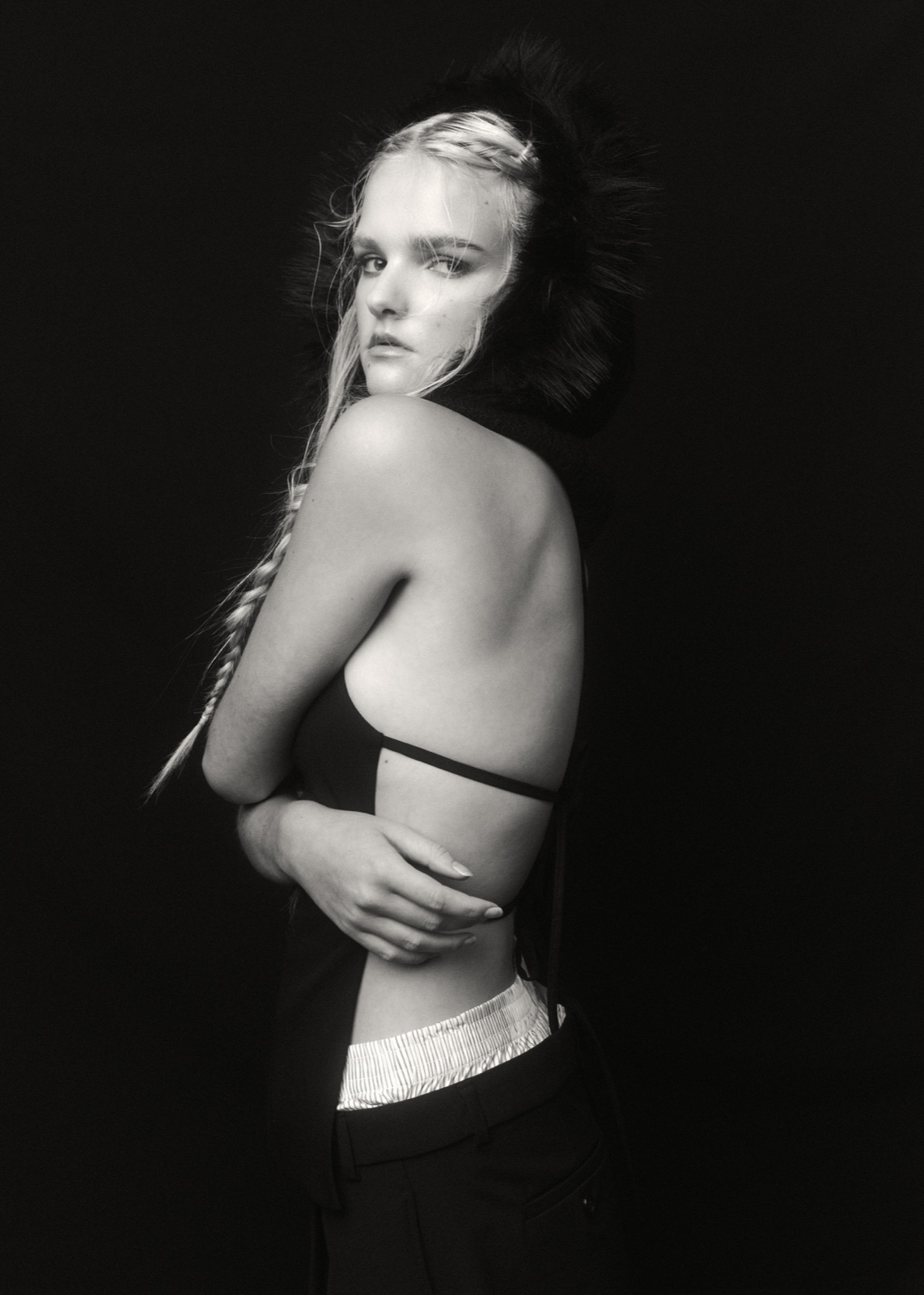
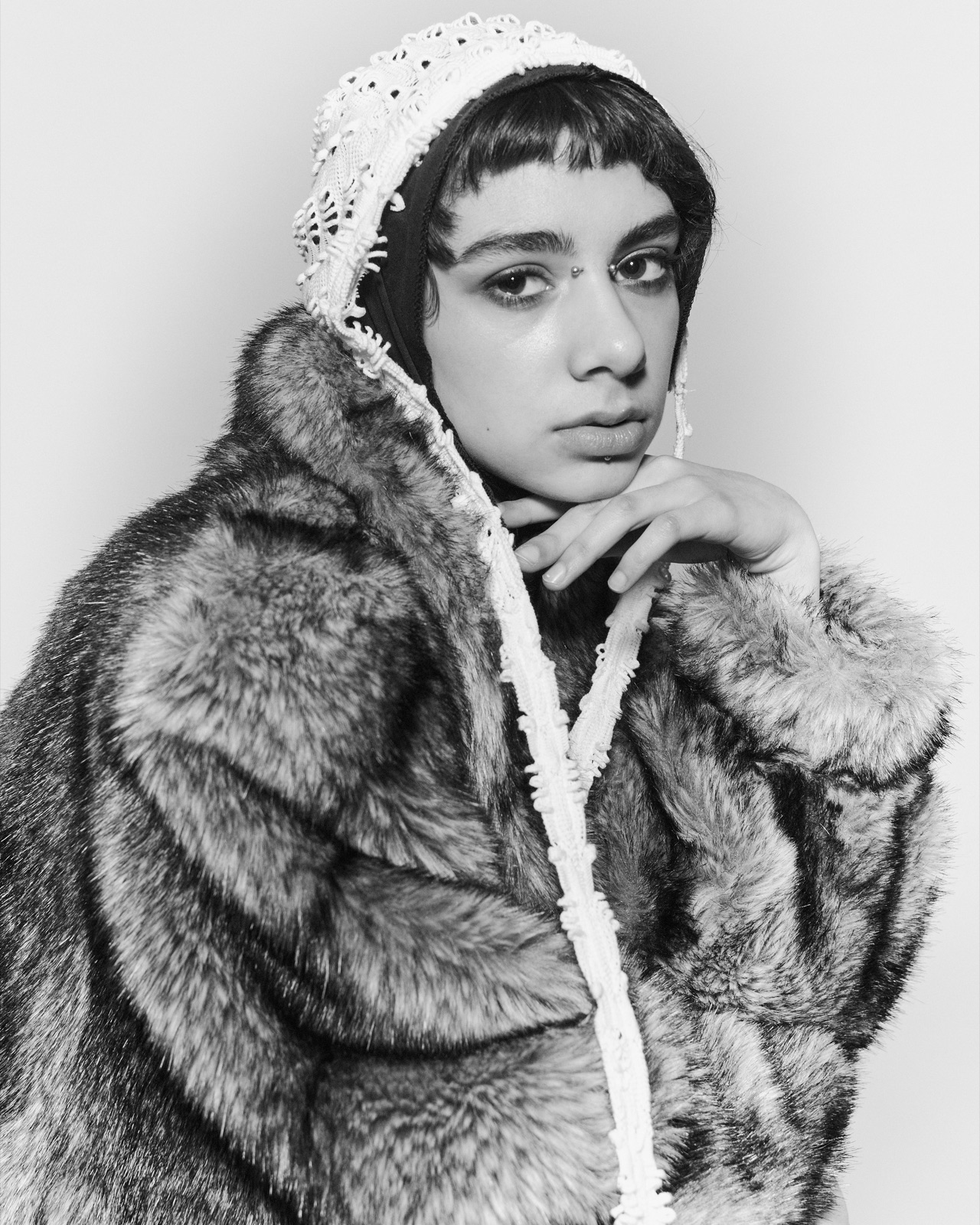
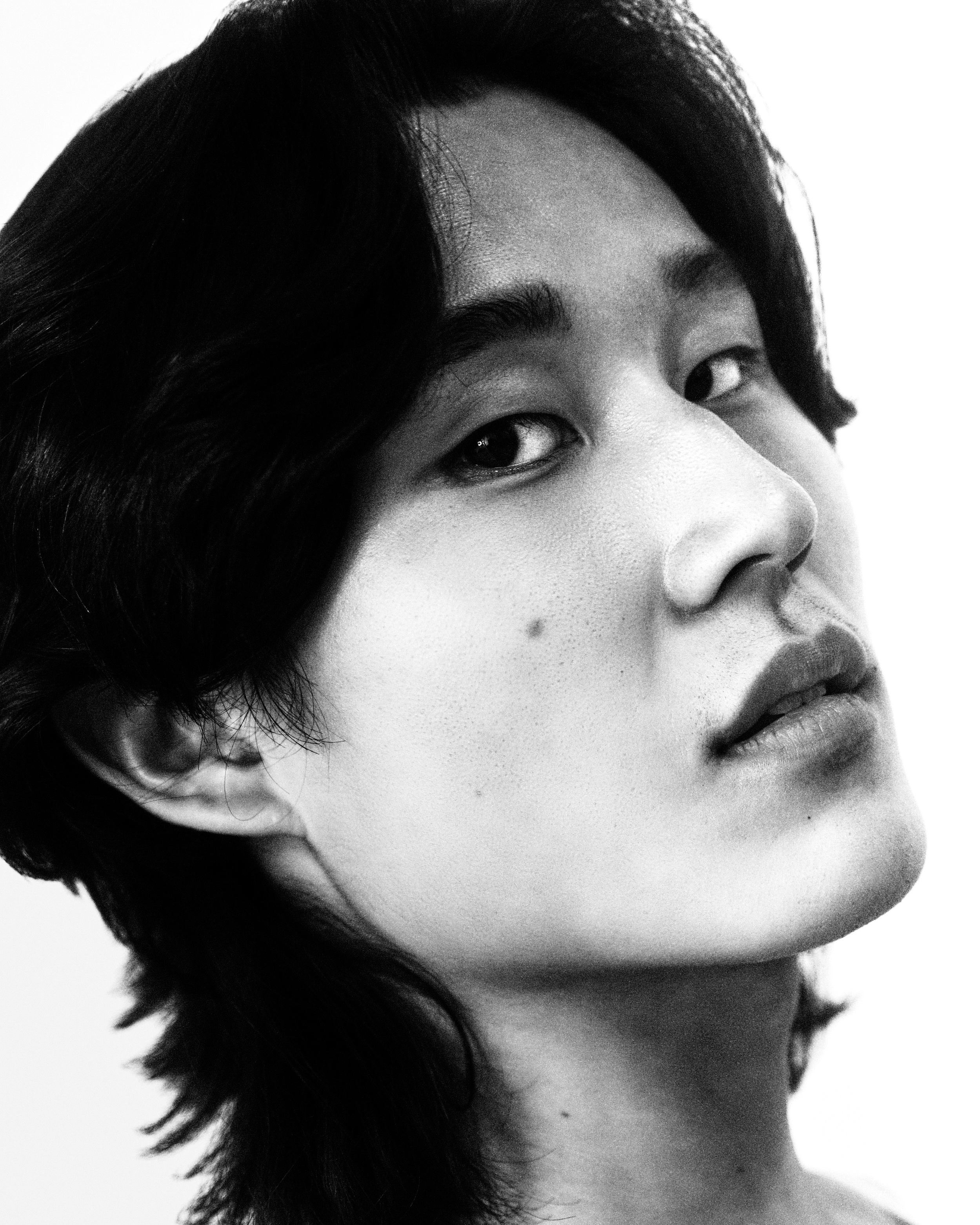
Judged in under a minute. An editor opens a dozen frames and keeps almost none. The site is edited for that minute.
02 Who it's for
Six audiences, ranked.
The photo editor first; the collaborator and the small brands the duo could grow into close behind; the peer audience last. The ranking is the point — the site is built for the realistic near-term win, not the dream client it can't land yet. So: five tight projects, not twelve scattered ones; no intro before the images; credits and an email always within reach.
Each, distilled to the one question they arrive with.
Photo editor / art director "Three days to fill a slot and twelve portfolios open." Primary target
Commissions shoots for a magazine or editorial platform. Time-poor, lives in portfolios, and will take a creative risk on fresh talent.
- Goals
- Confirm a distinct, repeatable eye — and that the duo can carry a concept all the way to a finished story, on deadline.
- Behaviour
- Arrives by referral or Instagram. Judges in under 60 seconds, opens ~5 images, then bookmarks or bounces.
- Needs
- A work-first landing, an obvious visual signature, full story and credits per shoot, one-click contact.
- Pain points
- Splash intros, slow or low-res galleries, a buried email, a book that feels scattered.
- Design response
- No intro before the images. Personal shoots presented as full editorials. Email and credits always within reach.
Brand / agency creative director "I need to feel safe putting this in front of the client." Aspirational
Realistically an emerging brand, indie label or e-comm startup on a small budget — a first commercial client, not a national campaign.
- Goals
- See that the duo can shoot product and people cleanly and on-brief, not only moody personal work.
- Behaviour
- Builds a shortlist to forward internally. Looks for proof the work is desirable — and that you're easy to brief.
- Needs
- Shareable, linkable project pages and a clear sense of professionalism.
- Pain points
- Can't tell if you take paid commercial work; a faked "commercial" section built on one weak shoot.
- Design response
- Editorial and commercial stay unified until real commercial work exists — but the structure is ready to split them later.
Creative collaborator "Is this someone I want my name next to?" High leverage now
A freelance stylist, MUA, set designer or producer weighing a test shoot or collaboration. At this stage, the next break often comes from here.
- Goals
- Judge aesthetic fit, and see who the duo have already worked with.
- Behaviour
- Studies styling, lighting, and the full team credited on each shoot.
- Needs
- Per-project credits, an authentic About, an easy DM or email, and some process or BTS.
- Pain points
- No credits listed, no personality, no obvious way to reach you.
- Design response
- Every collaborator credited by name — borrowed credibility. The About page kept genuinely human.
Modelling agency & talent "Worth sending our talent to?" The network
Bookers, scouts, or models vetting before a test or booking — very often on a phone.
- Goals
- Gauge how the duo shoot people, and how the images would sit in a model's book.
- Behaviour
- Focuses on portraits and figures, image quality and consistency.
- Needs
- A strong mobile experience, people-focused work up front, a live Instagram link, and contact.
- Pain points
- A broken mobile layout, inconsistent quality, no social link.
- Design response
- Mobile-first imagery, with Instagram surfaced prominently as a live feed.
Press / curator / gallery "A bio, a statement and selects — fast." Cheap prestige
A journalist, curator or festival reviewer. Low traffic, high credibility payoff — premature to chase, cheap to support.
- Goals
- Pull a credible background, an artist statement, and press-ready assets.
- Behaviour
- Skims for an Info page, scans the statement, grabs contact.
- Needs
- A real About / Info page — statement, short CV, contact — with high-res on request.
- Pain points
- No bio, no statement, no contact path.
- Design response
- One proper Info page — statement, short CV, contact — with room to add a press list later.
Peer / aspiring photographer "I love this — how did they get that look?" Audience, not client
Students, emerging shooters, and fans. High volume, near-zero direct revenue — but the discovery engine that feeds the editors above.
- Goals
- Inspiration, learning, and following along.
- Behaviour
- Scrolls the work, follows on Instagram, shares the link.
- Needs
- Work that's effortless to share and a follow that's obvious.
- Pain points
- Nothing easy to share, no clear way to follow.
- Design response
- Work made effortless to share and the follow obvious — without letting this audience dictate the layout.
03 The signature
One gesture. Four tries.
The signature carries all the personality, so the interface can stay silent. It moved through an elegant script and bolder block and graffiti directions before settling on the hand-drawn mark — the one that points where the duo want to go.
v1 to v3, then the mark the site opens on. Click any to enlarge.
An intro, not a gate.
The site opens on the signature, large and centred. On the first interaction it shrinks into the corner and becomes the nav mark — one motion, about a second, then the photography takes over.
The opening gesture.
A mark that moves.
Every piece of interface is painted white and blended: near-black on the paper ground, light the moment a photograph passes beneath it. One colour, no theming, nothing for the client to maintain.
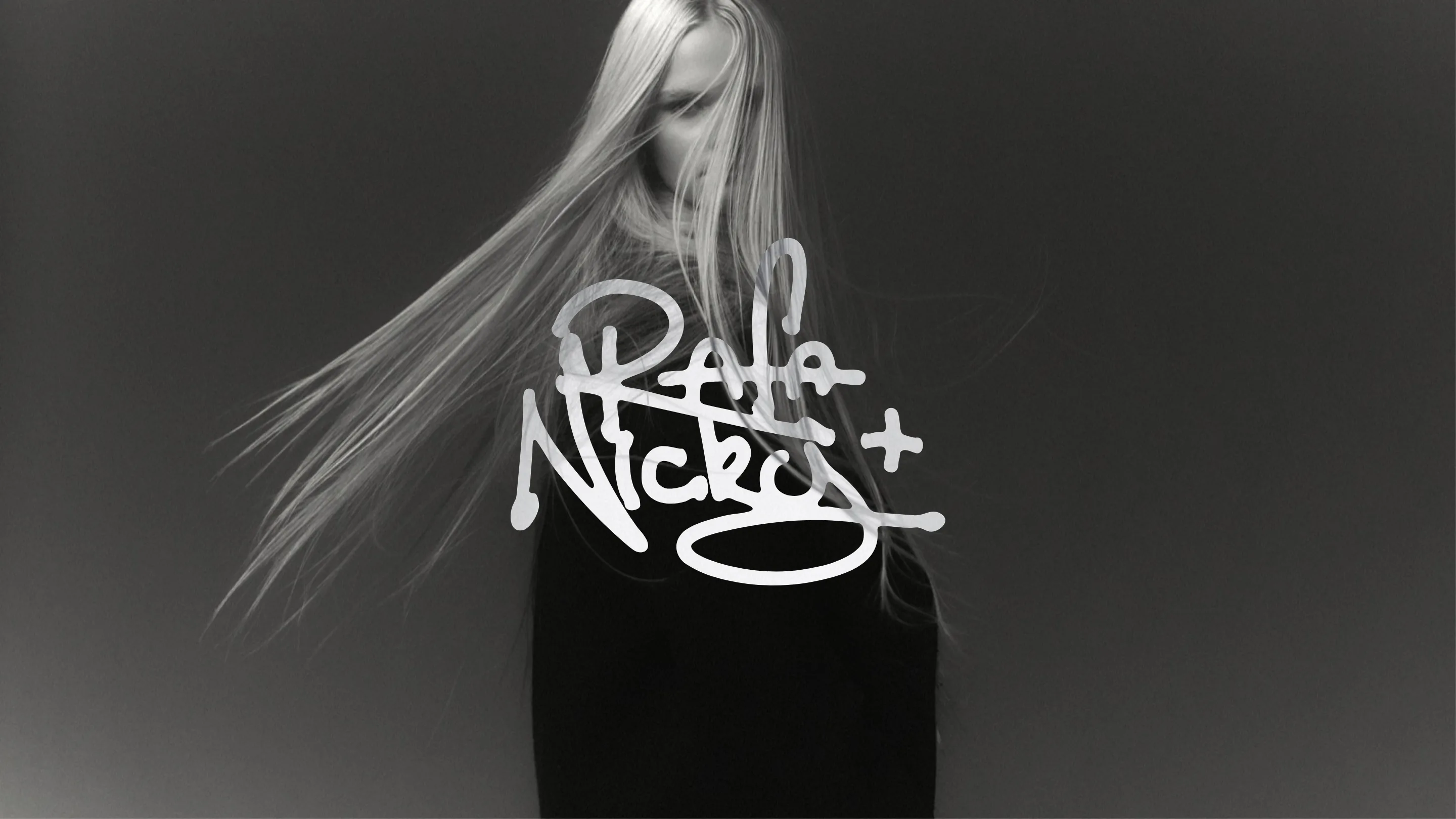 Paper
Photograph
Paper
Photograph
Drag the handle.
One continuous collage. Scroll, and the wall glides sideways — one looping strip of work. No pages, no grid.
04 The collage
A gallery wall, not a grid.
One strip of overlapping frames you scan across like an exhibition hang — a nod to the duo's more artistic roots. Scroll or drag either way and it glides, looping with no beginning or end, drifting on its own when left alone. On the phone the same motion turns vertical. Hovering a frame lifts it forward; nothing around it dims.
Try it.
The prototype below is the real thing, running from its own HTML, CSS and JavaScript. Scroll the collage, open Selected Work, click a photograph.
An early working version, used for testing. Esc brings you back.
05 Testing & iteration
Two rounds. Three changed decisions.
A handful of participants each — lean on purpose, enough to catch where the experience and our assumptions diverged.
- The mark. Refined until it landed on the hand-drawn signature and its docking moment.
- Mobile went vertical. A horizontal strip didn't feel right under a thumb.
- The hover. Reworked what surfaces, and how, so it reads as intentional rather than noisy.
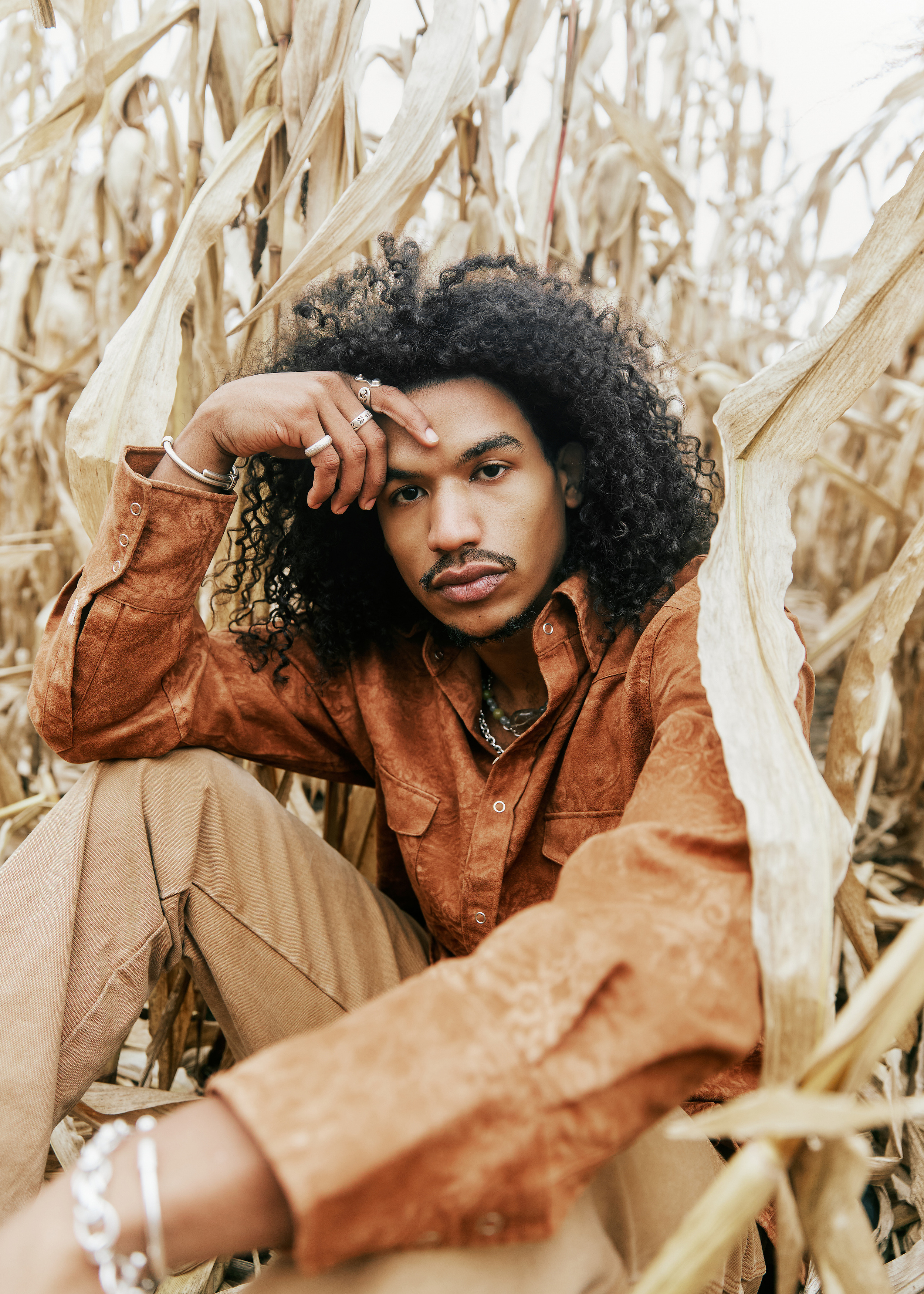
Hover or tap. Same photograph, same tile — only the hover changed.
Two short sessions cost almost nothing and spared a far more expensive correction later.
projects/golden-hour — 12 files
Theirs to run. New work drops into a folder. A plain-language ask does the rest — no framework, no build step, no designer on retainer.
>Add the new shoot “Golden hour” — the photos are in projects/golden-hour
●Reading projects/golden-hour
●Twelve photographs. I'll wire it up from the site's own templates.
•Created the project page from the template
•Placed all 12 photographs in the gallery
•Added the credits and the menu entry
✓Done — review in the browser, then publish.
06 Built to be owned
Nothing to break, nothing to drift.
That session works because the site was built for it. The handoff isn't a phase at the end; it's the architecture.
- Stack
- Plain HTML, CSS and JavaScript. No framework, no build step — the files open in a browser today and in five years.
- Source
- One system, settled in Figma before any code and mirrored one-to-one into CSS tokens. Design and code can't drift.
- Contrast
- Every text-on-ground pairing tuned to WCAG AA. Three swatches nudged darker and pushed back into Figma, so the accessible value is the source value.
- Docs
- Written as it was built: a CLAUDE.md that orients anyone opening the folder, a token reference, a working agreement.
Figma variables
Ground
Text
Accent — warm coral
Feedback
:root {
            /* Ground */
            --paper: #faf9f6;
            --surface: #f1efea;
            --placeholder: #e9e7e3;

            /* Text */
            --primary-type: #252525;
            --secondary-type: #454545;
            --tertiary-type: #717171;

            /* Accent */
            --accent: #ff8282;
            --accent-hover: #f76b6b;
            --accent-pressed: #e85a5a;

            /* Feedback */
            --success: #397e59;
            --error: #c23b22;
            --warning: #926a22;
          }
The palette, mirrored. Edit it once and it stays honest on both sides.
07 Outcome
A site they own outright.
Image-first, editorial, one memorable gesture — and a site the duo run themselves rather than through me. A brand manual is in progress to sit alongside it.
It's a working prototype built as the real, deployable thing. What remains is small: which content goes where, image optimisation, going live.
What I'd carry forward.
- Sketch it before you build it. Settle the type, layout and components first; the build is then about realising decisions, not making them.
- One gesture beats ten. Spend the personality budget once and let the work lead.
- Pitch the craft at where the client's going, not the stage they're at.
- Handoff is a feature. A site the client can extend is something they own outright.
Design & build — Greg McCarthy. Photography — Rafaela Conde & Nicolas Emas Varone (Rafa & Nicky).
See it for yourself.